Your AI assistant
Ask about your clients and your week, and get answers from your own Koapath records.
How to do it
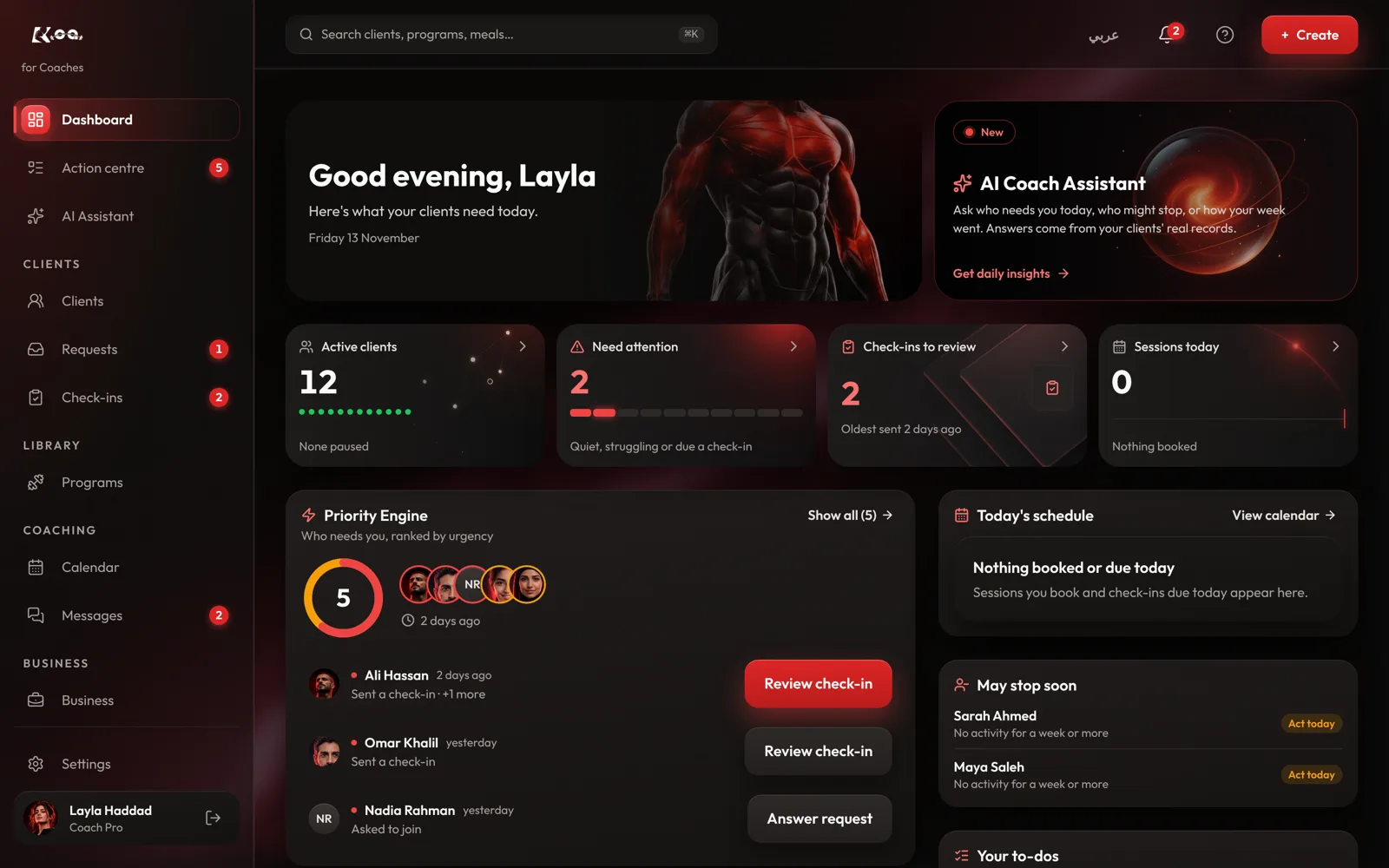
Open AI Assistant
On coach web, open AI Assistant. Your coaching briefing shows who needs you today.
Ask a question
Type into Ask about your clients…, for example who missed a check-in this week. Press New chat to start fresh.
Ask about one client
Press Ask AI on a client's page or in a check-in review, and the answer stays about that client.
Confirm before anything goes out
When the assistant drafts a message or a change, nothing is sent until you confirm it.
Good to know
- The AI assistant is on the Core and Pro plans.
- It can also explain how to do something in Koapath and take you to the right page.
Still stuck? Email a screenshot to [email protected] and we'll reply in writing. Contact support