Import a plan you already have
Turn the plan you send on WhatsApp, in Notes, as a PDF or a spreadsheet into a Koapath programme.
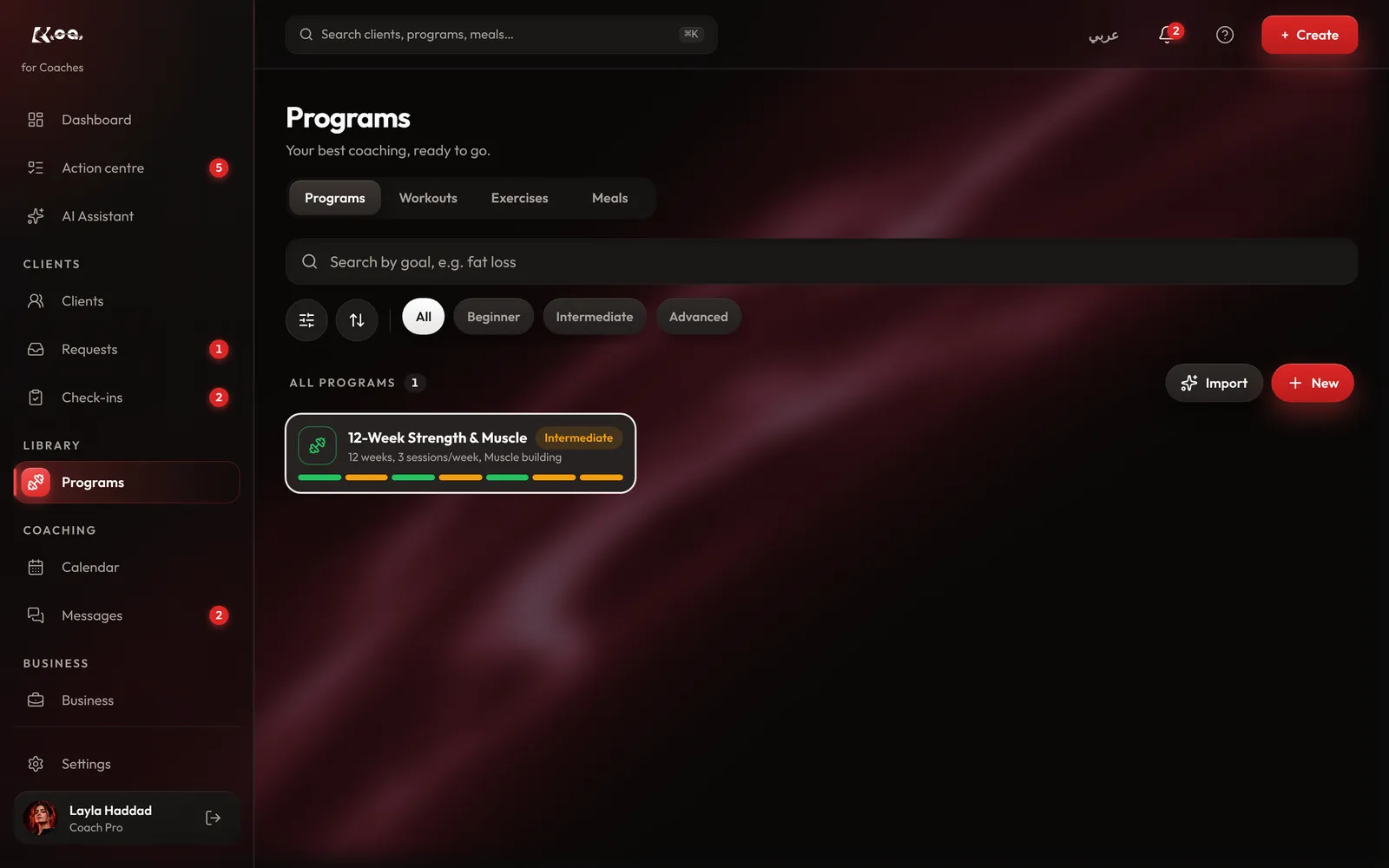
How to do it
Open Import
On coach web, open Programs and press Import. In the app, choose Import a plan.
Paste or upload
Paste the plan from WhatsApp or Notes, or upload it as a PDF or spreadsheet. Then press Read my plan.
Check what AI read
AI turns your plan into workouts. Fix any exercise, set or rep that came out wrong before you go on.
Create it
Create it as a draft. Nothing is saved until you do, and you can edit it like any other programme before you assign it.
Good to know
- Importing a plan is on the Pro plan.
- Starting from nothing? On a client's page, Draft a plan with AI writes a first draft from their sign-up answers for you to edit.
Still stuck? Email a screenshot to [email protected] and we'll reply in writing. Contact support