Sessions and your calendar
Schedule sessions, record how they went, and let clients book your open times.
How to do it
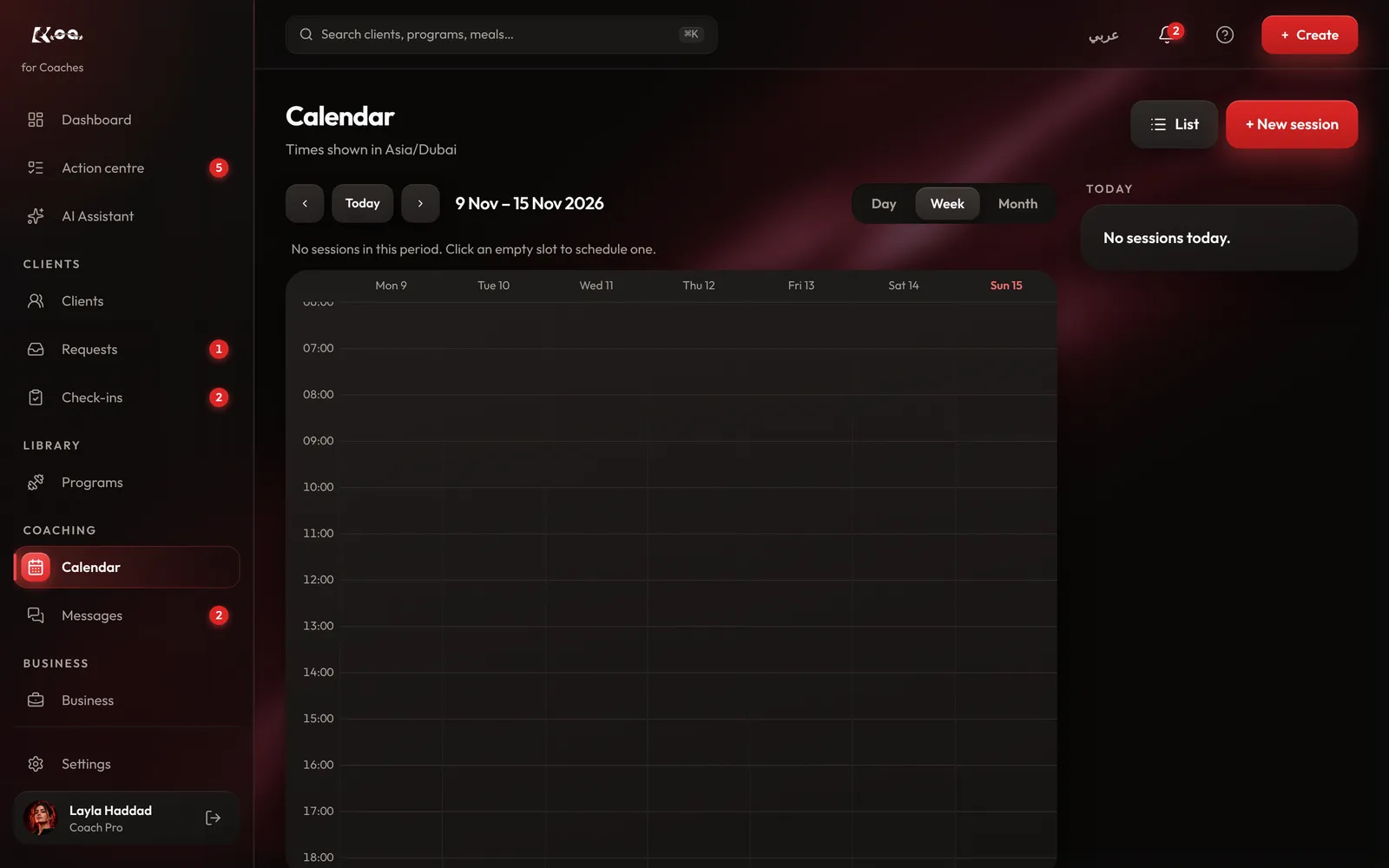
Open the calendar
On coach web, open Calendar. Press + New session, or click an empty slot.
Schedule it
Choose the client and the time, then save. You can also press Schedule session from a client's page.
Record the outcome
On Calendar, press List to open Sessions. Once a session is over, it waits under Needs outcome. Record how it went and it moves to Completed, Cancelled, No-show or Rescheduled.
Set your booking hours
In Sessions, press Booking hours. Set your time zone, working days and hours and the session length, then turn booking on. Clients with active coaching can then request your open times.
Good to know
- Session booking is on the Pro plan.
Still stuck? Email a screenshot to [email protected] and we'll reply in writing. Contact support