Meals, macros and the food diary
Build meals from the food database, set macro targets and see what clients eat.
How to do it
Open Meals
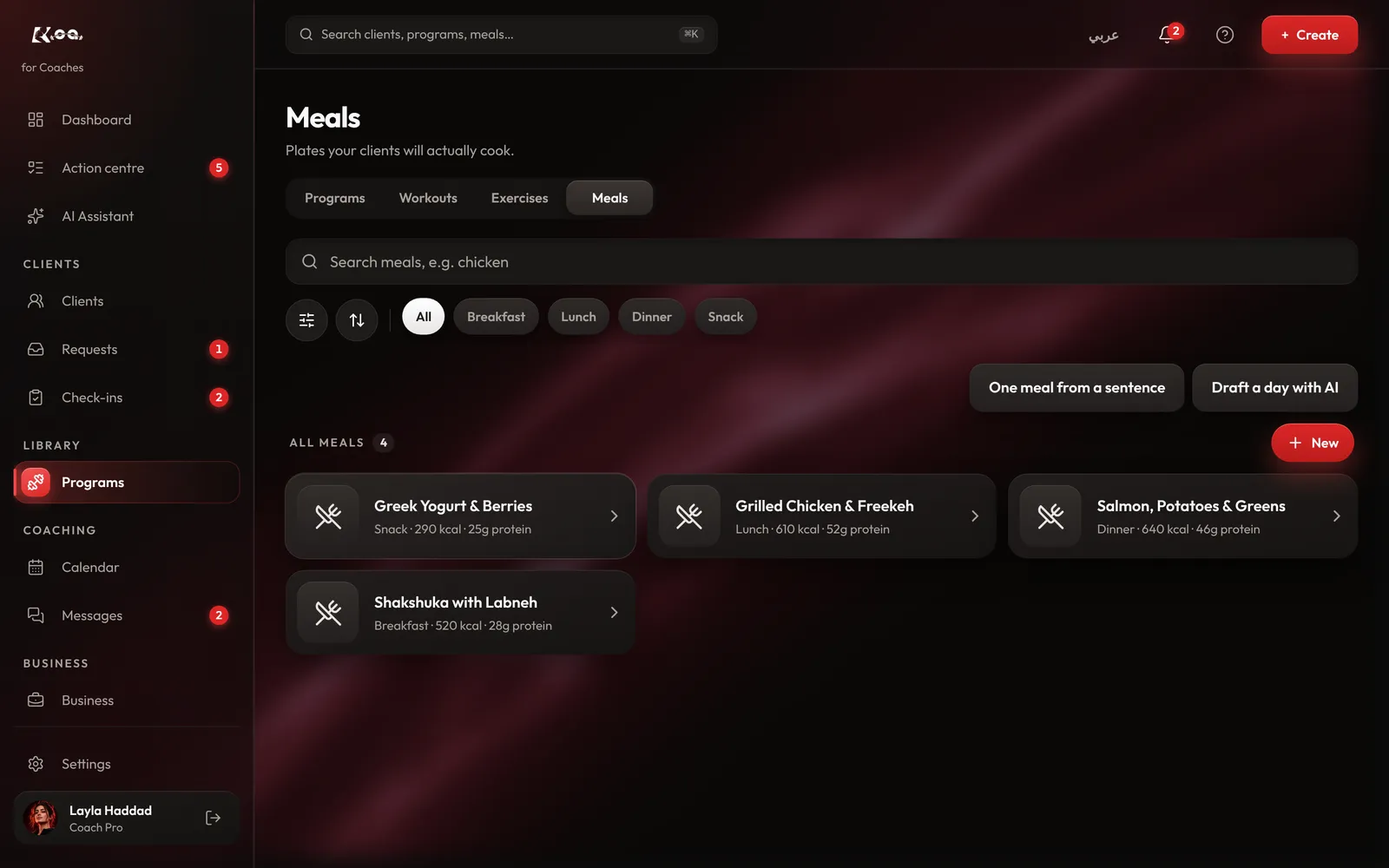
On coach web, open Programs, then the Meals tab. All your meals are here, with their calories and protein.
Make a meal
Press + New and add foods from the food database with their amounts. The macros are worked out from the foods. You can also describe a meal with One meal from a sentence, or plan a whole day with Draft a day with AI.
Assign it
Open a meal and press Assign to put it in a client's plan, or add it to a week of a programme.
Set macro targets
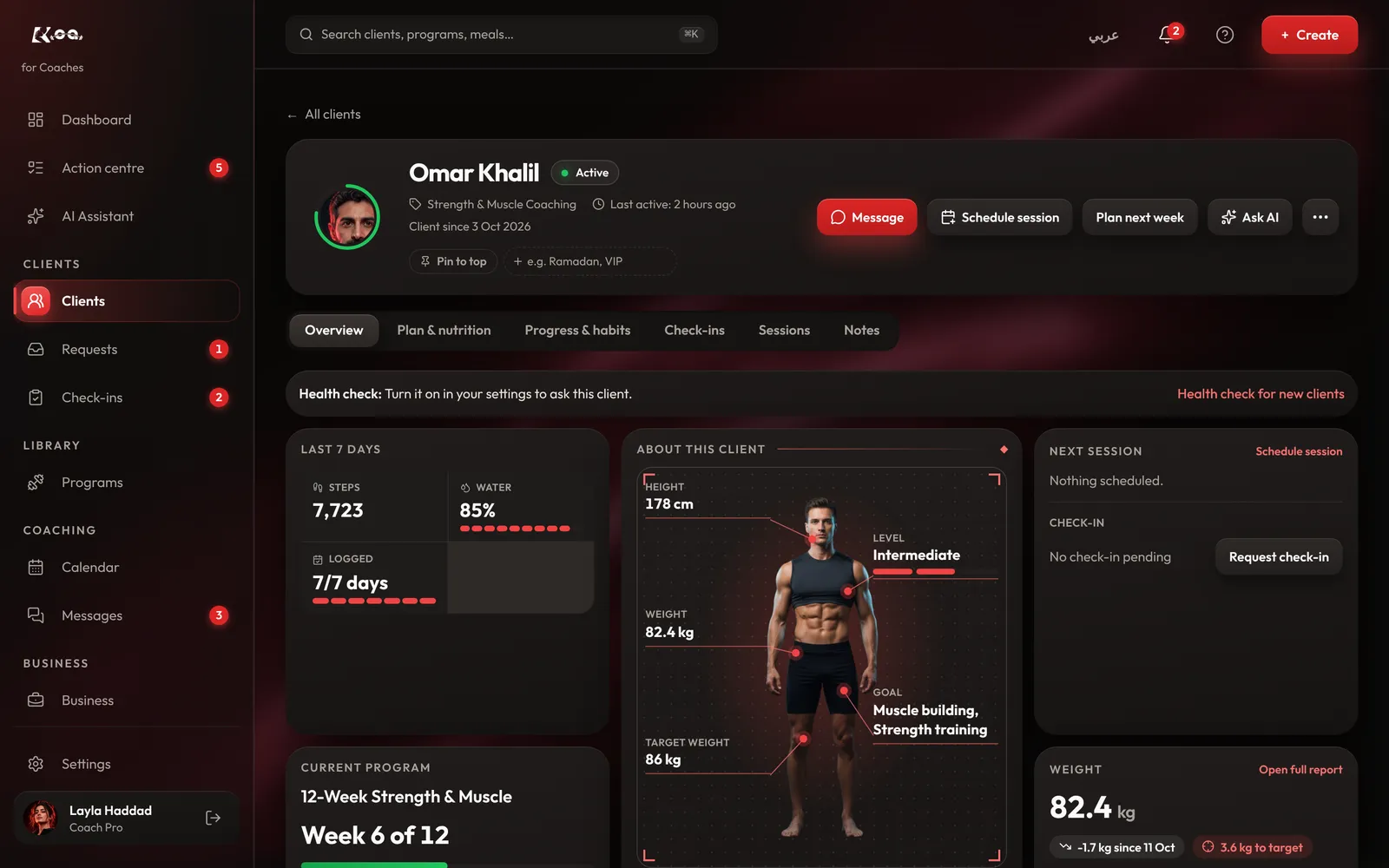
Open the client, go to Plan & nutrition, and set protein, carbs and fat in grams. Calories are worked out for you, and the client sees the target in their app.
Read the food diary
Clients log what they eat in their Food diary. Open the client's Food diary tab to see each day.
Good to know
- Meals you make stay in your library, so you can reuse them for every client.
- AI drafts are only a starting point. Check the foods and amounts before you assign a meal.
Still stuck? Email a screenshot to [email protected] and we'll reply in writing. Contact support