Daily habits
Give a client one to three simple daily habits and see how well they keep them.
How to do it
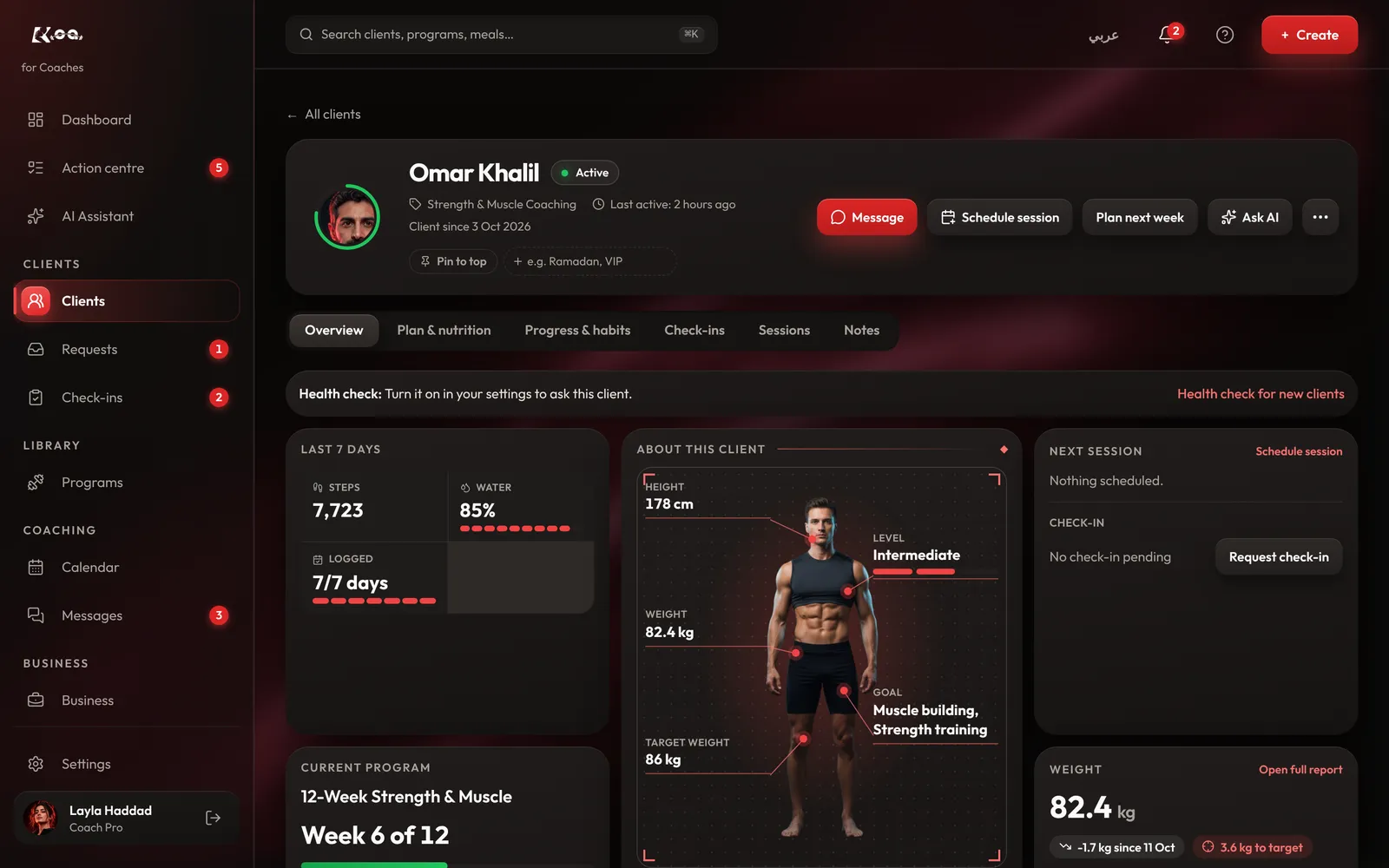
Open the client
In the app, open the client and find Habits this week. On coach web, open the client's Progress & habits tab.
Add a habit
Press Add habit, write it simply, like an evening walk or a set bedtime, and press Save habit.
Watch the week
Your client ticks each habit off in their app, and you see every day's result under Habits this week.
Good to know
- Keep it to one to three habits. Small and daily works better than a long list.

Still stuck? Email a screenshot to [email protected] and we'll reply in writing. Contact support