Your public profile
Make the page trainees see, add your social links, and share it.
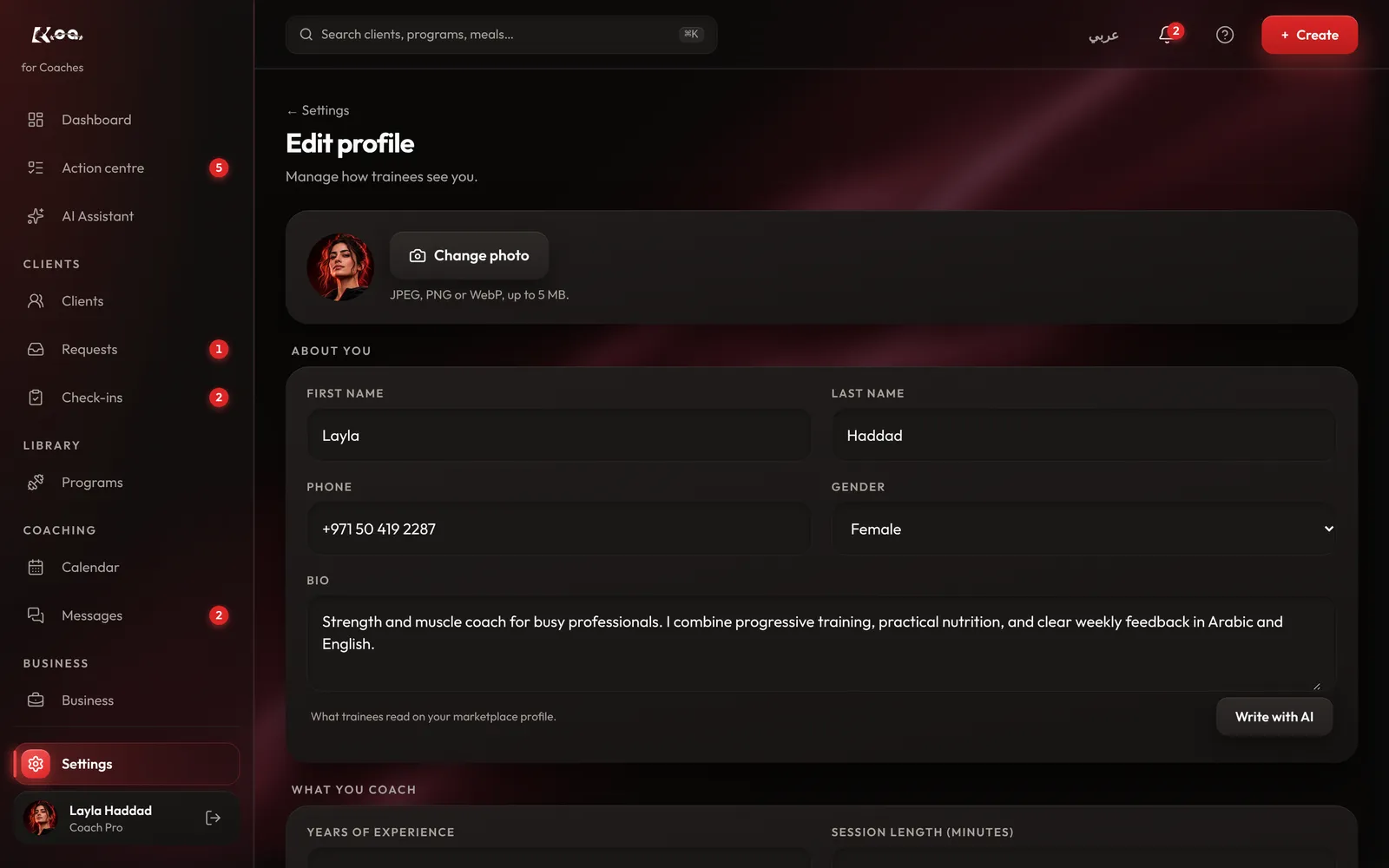
How to do it
Edit your profile
Open Settings, then Edit public profile. Update your headline, bio, languages and specialties.
Add social media
Under Social media, add your username or paste your profile link for Instagram, TikTok, YouTube, Snapchat, X, Facebook, Threads or LinkedIn.
Check what trainees see
What trainees see shows your page exactly as trainees will.
Share it
Once your profile is published, use Share your profile: press Copy link, or Download share card to post on Instagram.
Good to know
- Reviews on your profile come only from trainees who trained with you.
Still stuck? Email a screenshot to [email protected] and we'll reply in writing. Contact support