Reports
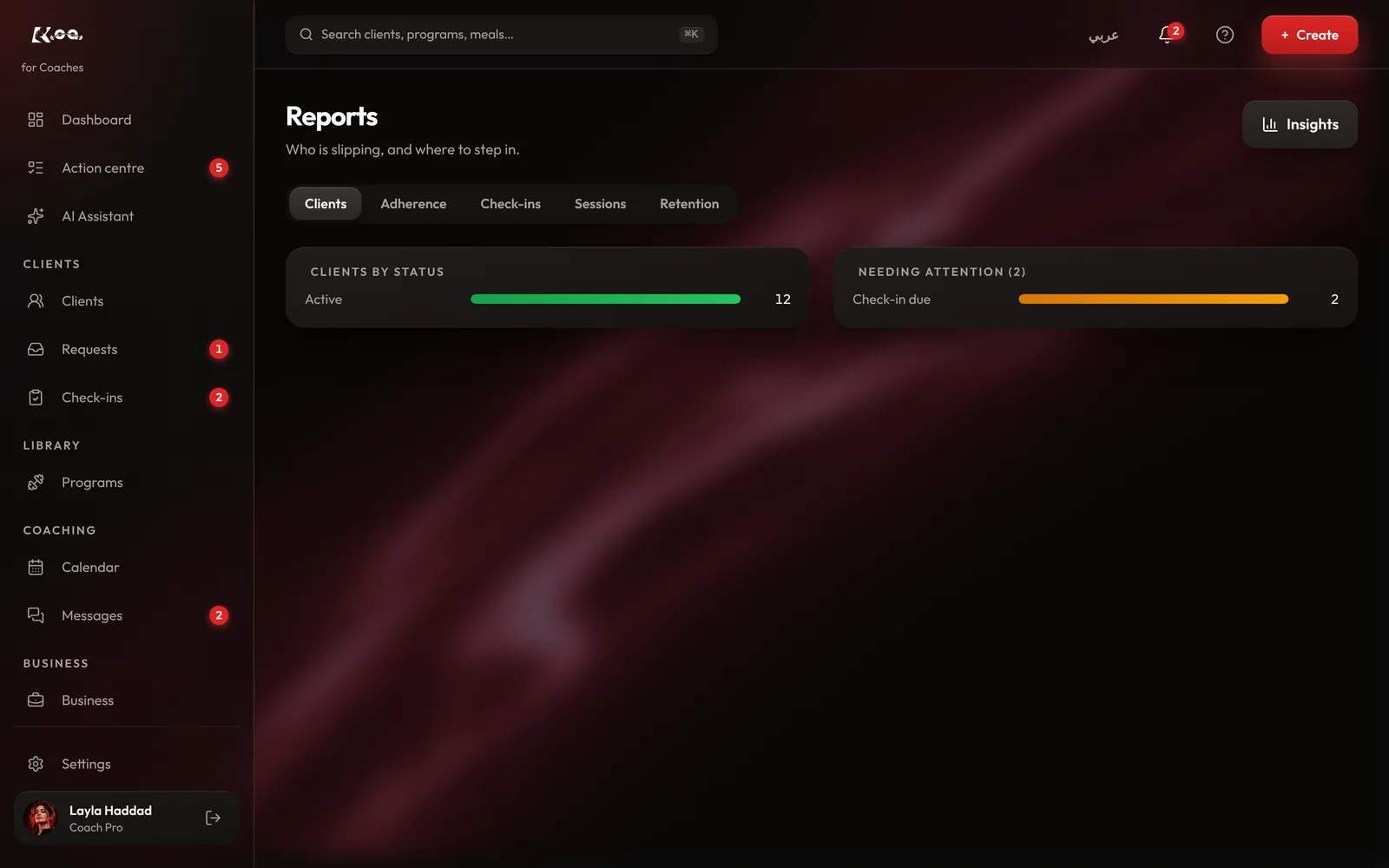
See who is slipping, and where to step in.
How to do it
Open Reports
On coach web, open Reports.
Pick a view
Clients, Adherence, Check-ins, Sessions and Retention each show one side of your coaching.
Step in
Open a client from any report to message them, change their plan or ask for a check-in.
Follow one client
A client's Progress & habits tab shows their weight, measurements and habits over time.
Good to know
- Reports are built from what clients log, so they get more useful the more your clients use the app.
Still stuck? Email a screenshot to [email protected] and we'll reply in writing. Contact support